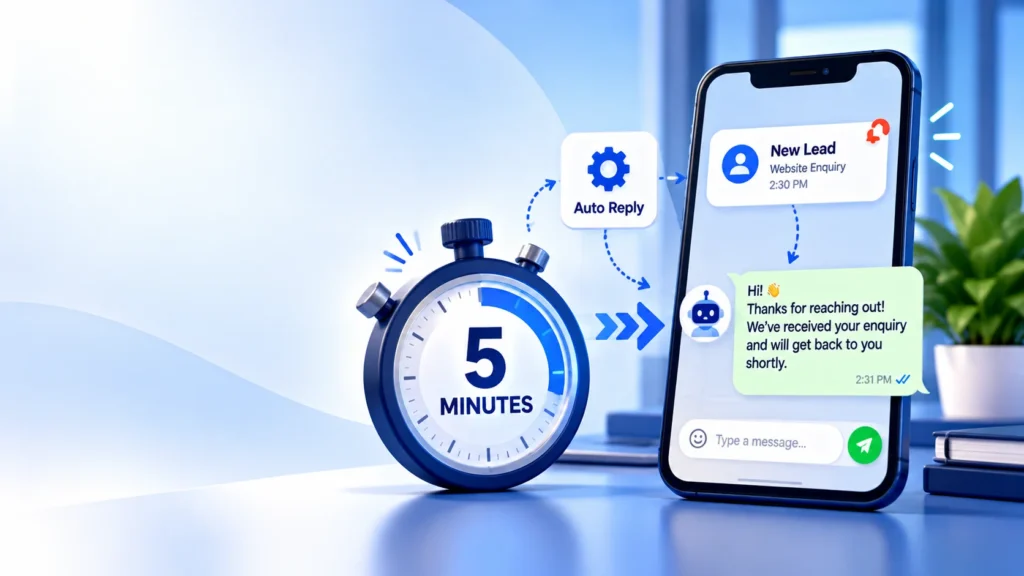
You pay for a lead, either with ad spend or hours of effort, and then it sits unanswered for half a day. By the time someone replies, the person has already spoken to a competitor. Improving your lead response time is one of the cheapest ways to get more from the leads you already have.
Why Speed Matters
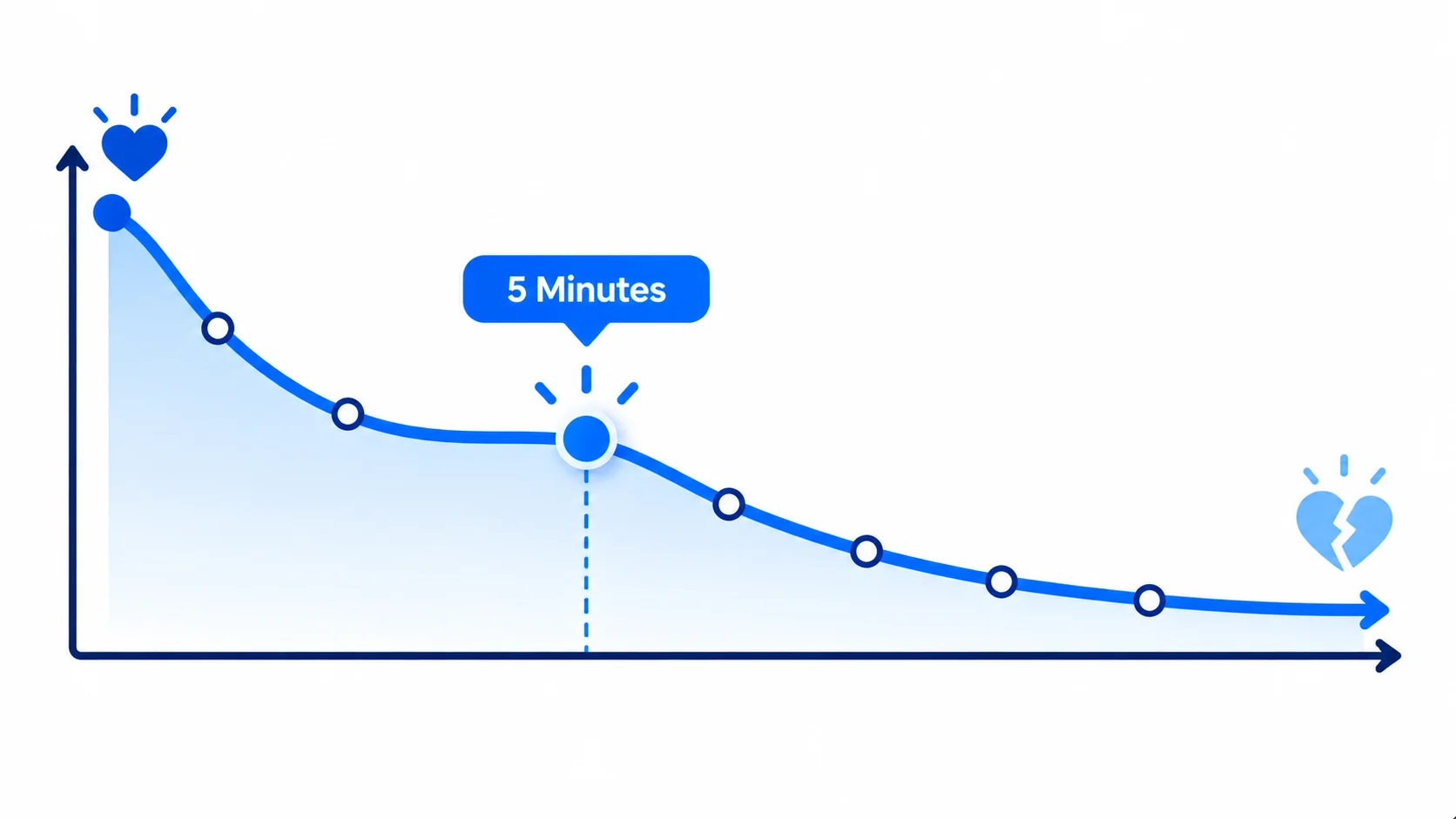
People enquire when they’re thinking about a purchase. A few minutes later they’ve moved on to other tabs and other providers. Harvard Business Review’s 2011 article The Short Life of Online Sales Leads described how quickly web enquiries go cold, and many sales teams have seen the same pattern since.
You’ll often see the claim that replying within five minutes makes you about 21 times more likely to qualify a lead than replying after 30 minutes. That figure comes from widely repeated lead response management analysis. It’s correlational, not a controlled experiment, and the original study details are hard to trace. Treat it as a strong signal that minutes matter, not as an exact multiplier for your business. The best way to know is to measure your own response time against your own booking rate.
Step 1: Measure Your Current Response Time
Before you automate, find your baseline:
- Pull the last 30 leads from your CRM, inbox or form tool.
- Note when each arrived and when someone first replied.
- Calculate the average and the slowest replies, including evenings and weekends.
Most owners are surprised. The average hides the leads that waited a full day.
Step 2: Automate the First Reply
The first reply doesn’t need to be a full sales pitch. It needs to acknowledge, set expectations and move the lead forward. Good first replies:
- Thank them by name and mention what they enquired about.
- Say when a person will be in touch.
- Ask one easy question, such as the best time to call.
- Include a link to book a call or see availability.
Send it through the channel the lead used. Many businesses use WhatsApp, email and SMS together. See our guide to WhatsApp automation for business for how this works.
Step 3: Alert a Human Instantly
Automation buys you time, but a person still needs to follow up. Set up an instant notification to the right team member through WhatsApp, Slack or a CRM task. Add rules for who gets which lead, and a fallback if nobody responds in 10 minutes.
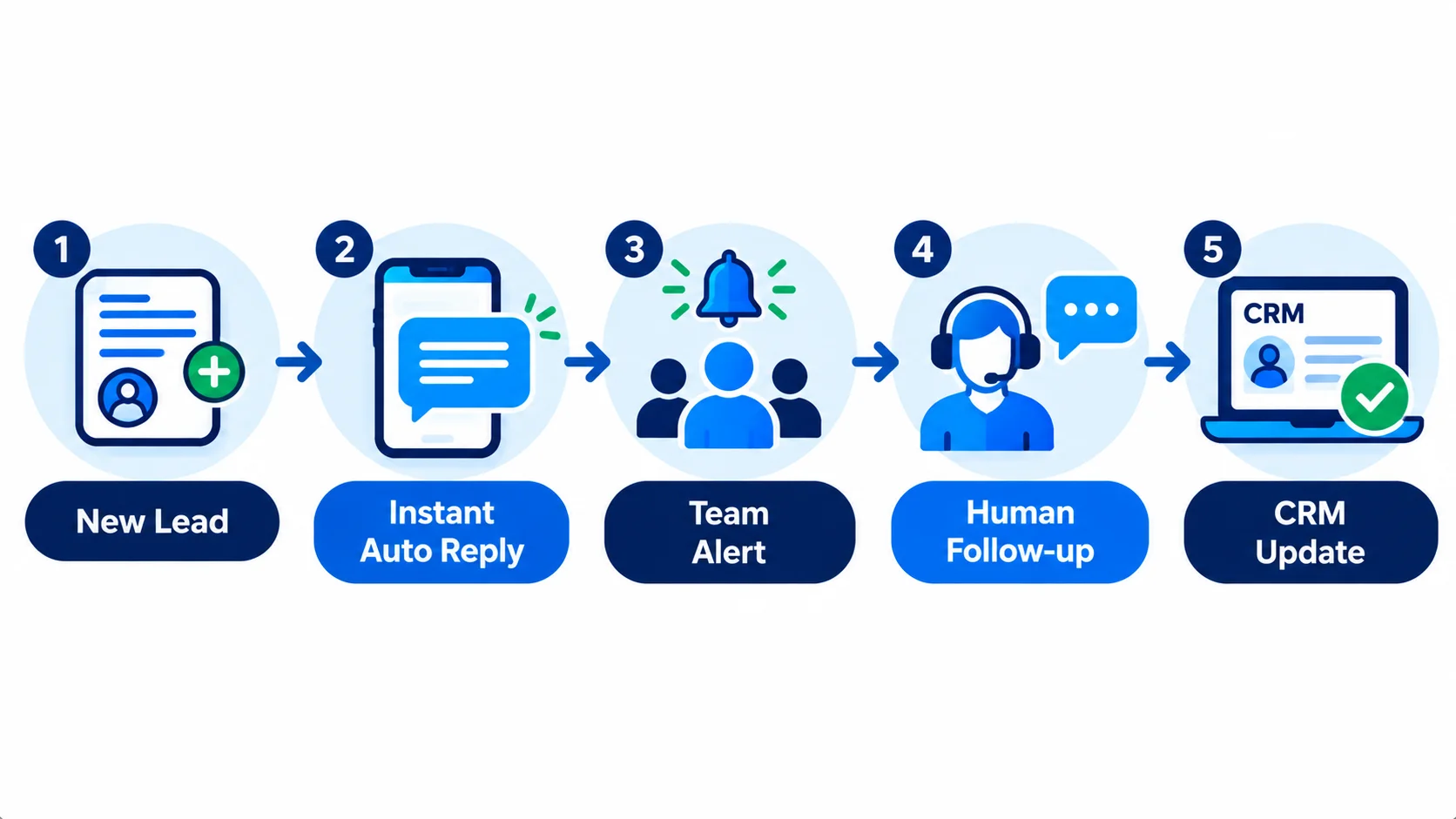
Step 4: Put Every Lead in One Place
Leads arrive from forms, ads, calls and chats. Send them all to a single CRM or sheet with the source, time and status. This is what makes response time measurable. It also stops leads from slipping through when they arrive in different tools. Not sure which tool to pick? Read CRM for small business.
Step 5: Add Follow-up Sequences
Most leads won’t reply the first time. A short sequence helps:
- Minute 0: automatic acknowledgement.
- Within the hour: a person calls or messages.
- Day 1: a friendly check-in with a useful resource.
- Day 3: a second attempt with a different angle, such as a question or a case example.
- Day 7: a polite last message.
Stop the sequence immediately when the lead replies or books.
Step 6: Cover Nights and Weekends
Many ad leads arrive outside office hours. The automatic reply still goes out, sets a clear expectation such as We’ll call you at 9:30 tomorrow morning, and lets people book a slot themselves. That alone keeps a lot of leads warm.
What Not to Automate
- Pricing negotiations and sensitive conversations.
- Anything that needs judgment about the customer’s situation.
- Messages to people who haven’t agreed to be contacted.
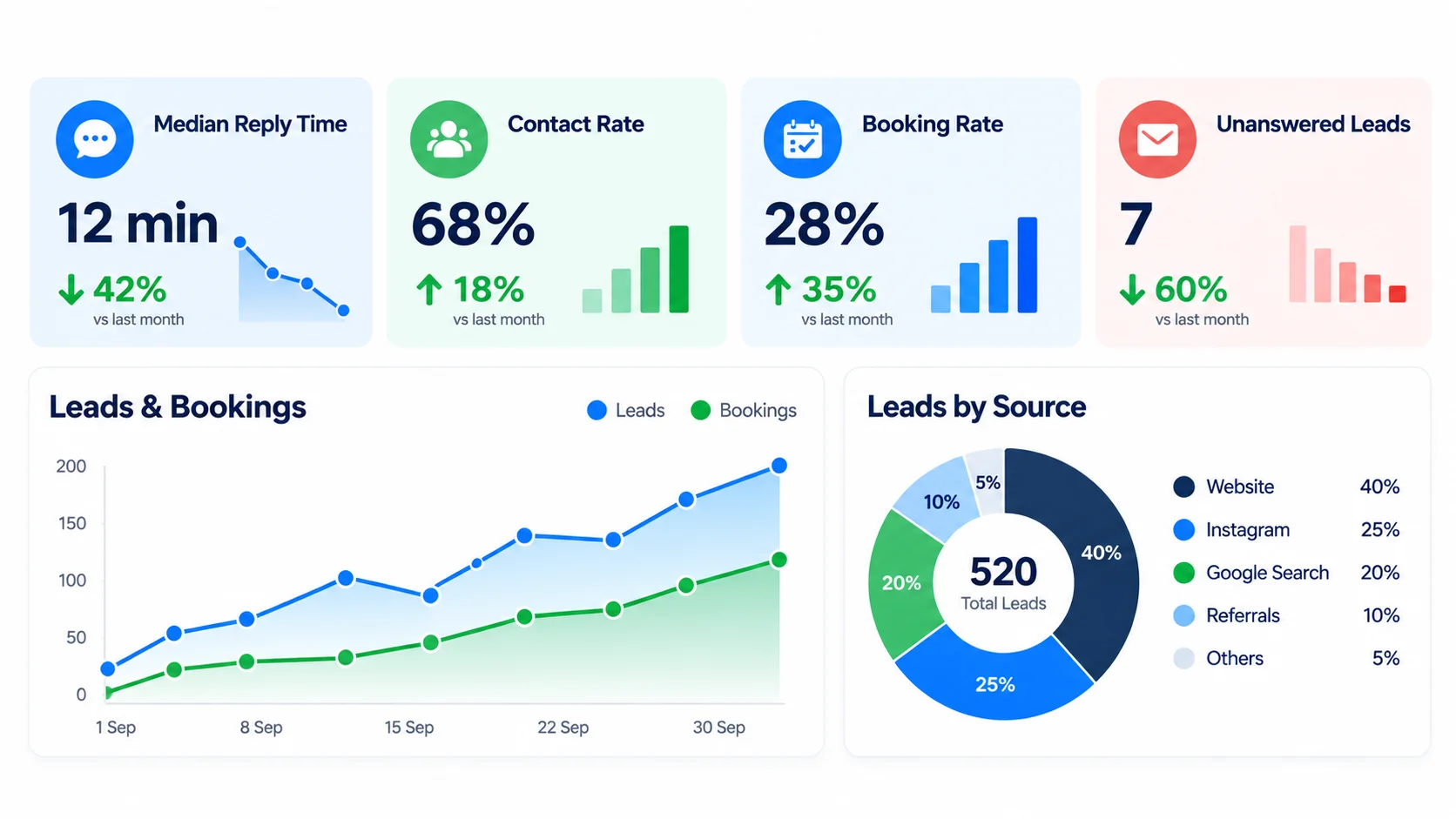
Metrics to Track
- Median time to first reply (not just the average).
- Contact rate: the share of leads you actually spoke to.
- Booking or close rate by response time band.
- Leads with no reply at all after 24 hours.
Frequently Asked Questions
What is a good lead response time?
As fast as you can manage. Many teams aim for an automatic reply in seconds and a human follow-up within minutes during business hours. Measure your own results to find your target.
Is the 5-minute rule really true?
The idea that speed helps is well supported, but the exact multipliers are often quoted without clear sources. Use it as direction, then test it with your own data.
Will an automatic reply annoy customers?
Not if it’s useful and sounds human. It should acknowledge the enquiry, set expectations and offer a next step.
Which channel should I reply on?
The one the lead used. If they filled in a form with a phone number, WhatsApp or SMS often gets a faster answer than email.
Do I need a CRM for this?
It helps a lot. A CRM or even a well-structured sheet lets you track time to reply and follow-ups.
Conclusion
You can’t control how many people enquire, but you can control how quickly you reply. Measure your response time, automate the first reply, alert a person instantly and follow up in a short sequence. If you’d like help building this for your business, book a free strategy call with Globdigi, or see how our Google Ads management and automation work together.
Sources: Harvard Business Review, The Short Life of Online Sales Leads (2011); LeadSigma: The five-minute lead response stat (notes the figures are commonly summarized and correlational).
Related Reading
- WhatsApp Business Automation: What It Is and How Businesses Use It
- CRM for Small Business: How to Choose One and Connect It to Your Ads
- Digital Marketing ROI: How to Measure What Your Marketing Really Earns