B2B buyers fill in a form, then wait. If nobody replies for a day, they often book a demo elsewhere. Sales teams also lose deals that stall quietly in the pipeline. Automation can route leads, offer a demo booking link instantly and prompt reps when a deal stops moving, so people spend time on conversations rather than admin.
Quick Answer: What Can a B2B Team Automate?
- Capturing leads from forms, ads and events into a CRM.
- Routing leads to the right rep by region, size or product.
- Instant demo-booking links.
- Email sequences for leads and stalled deals.
- Internal alerts for hot leads.
- Handoff from sales to onboarding.
The Operational Challenges
- Leads wait for a rep to notice them.
- Demos are scheduled by email back and forth.
- Follow-ups depend on memory.
- Marketing and sales data live in different tools.
- Deals stall without a reminder.
Workflows Worth Building
1. Lead capture and routing
How it works: forms and ad leads flow into the CRM, then rules assign them to a rep. Pipedrive lists lead capture and routing through its LeadBooster add-on on higher plans, while its Lite plan includes lead management but not capture. For response-time targets, see lead response time automation.
2. Instant demo booking
How it works: the first reply includes a scheduling link. Pipedrive lists a meeting scheduler on its Growth plan, and Calendly Standard is $10 per seat per month on annual billing.
3. Email sequences
How it works: new leads and stalled deals receive a short series of emails that stops when they reply. Pipedrive lists automated workflows and email sequences for nurturing deals from its Growth plan.
4. Rep alerts and tasks
How it works: when a lead books, replies or goes quiet, the rep gets a task or notification.
5. Pipeline stage automation
How it works: moving a deal to a new stage can create tasks, send a template or notify a teammate.
6. Handoff to onboarding
How it works: when a deal is won, an automation notifies customer success and sends a welcome message.
Workflow at a Glance
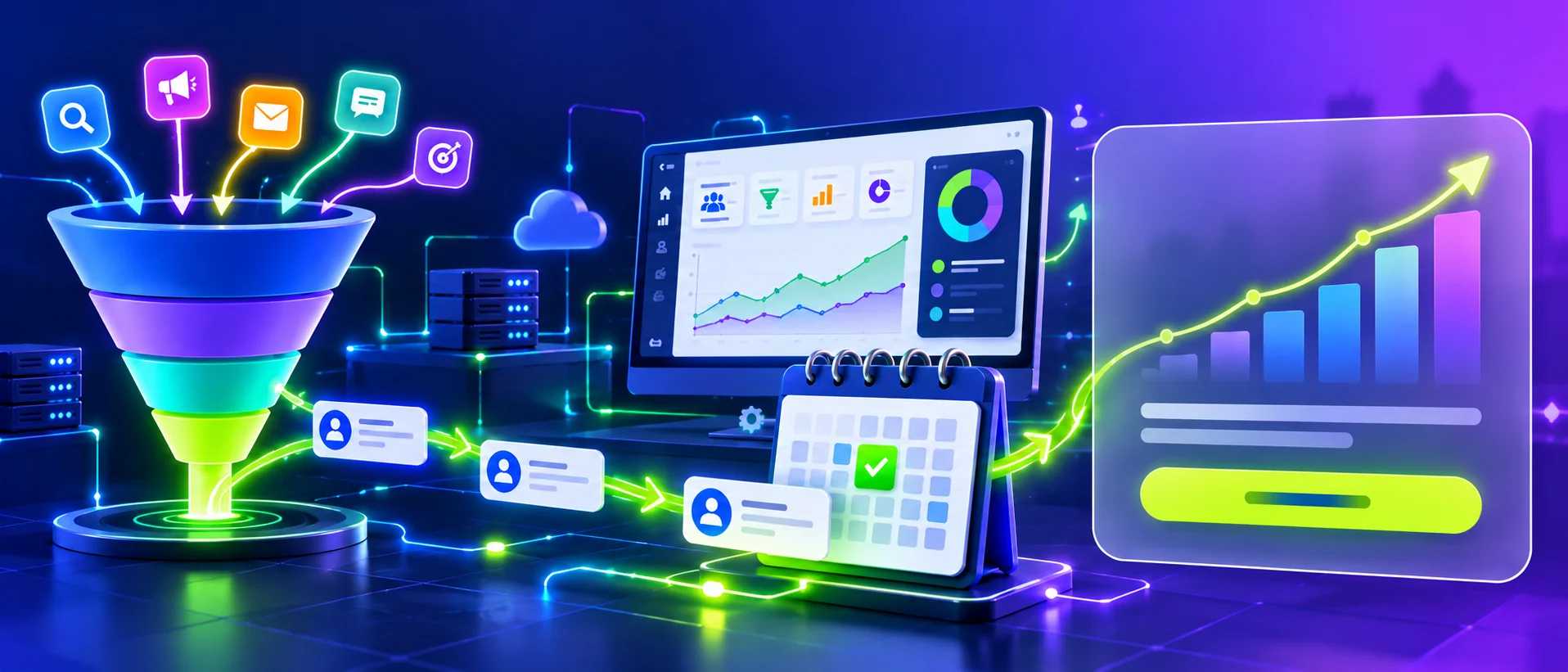
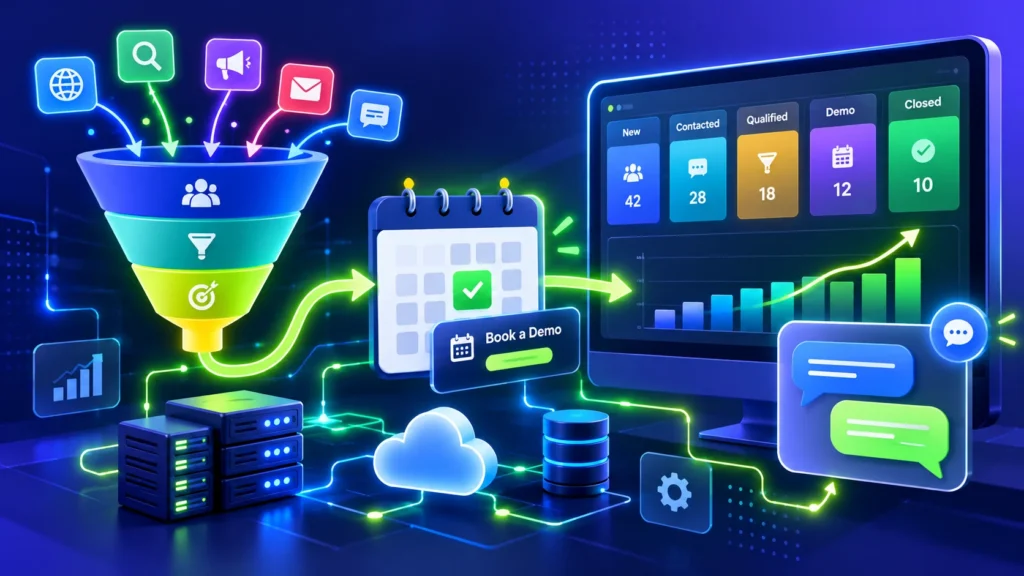
Form or ad lead → CRM → routing rule → demo-booking link → sequence → rep task → won deal → onboarding handoff.
Tools Compared
| Tool | Role | What we verified |
|---|---|---|
| Pipedrive | Sales CRM | Per seat per month on annual billing: Lite $14, Growth $39, Premium $59, Ultimate $79; LeadBooster add-on from $32.50; automations and email sequences from Growth |
| HubSpot | CRM | Free CRM available; paid plan prices not verified here |
| Calendly | Booking | Standard $10/seat/mo (annual billing) |
| n8n | Automation | Cloud Starter €20/mo (annual billing); self-hosted option |
| Make | Automation | Free plan; Core $12/mo |
What Does It Cost?
A five-rep team on Pipedrive Growth at the listed annual rate would pay about $195 a month ($39 × 5), before add-ons and tax. Add a booking tool and any automation platform fees. Pipedrive prices shown are for annual billing; monthly rates were not listed on the page.
DIY or Professional Help?
- DIY-friendly: CRM sequences, booking links and basic routing.
- Better with help: multi-tool routing, product-usage signals, data enrichment and attribution.
A Simple Implementation Plan
- Define lead stages and ownership.
- Send every lead source into one CRM.
- Add instant booking and a short follow-up sequence.
- Add stalled-deal alerts and onboarding handoff.
A Realistic Example
An IT services company gets enquiries from its website and ads, and the founder replies when free. After automation, each lead lands in the CRM, receives a booking link and is assigned to a rep, who is reminded if there is no contact. The likely benefits are faster first response and fewer lost leads. Results vary and are not guaranteed.
Privacy and Limits
- Follow GDPR, PECR, CAN-SPAM and similar rules for outreach, and honor opt-outs. UK ICO guidance says consent must be specific and a clear positive action.
- Have data processing agreements with tools that handle customer data.
- Do not buy or scrape contact lists that lack proper consent.
- This is general guidance, not legal advice.
Common Mistakes to Avoid
- Long sequences that ignore replies.
- Routing rules nobody maintains.
- Buying a higher tier than needed.
- No clear definition of a qualified lead.
When to Get Professional Help
If you want ads, website and CRM working as one pipeline, GlobDigi can help. See our B2B SaaS marketing, IT services marketing and Google Ads pages.
Frequently Asked Questions
What should a SaaS team automate first?
Instant demo booking and lead assignment.
HubSpot or Pipedrive?
It depends on size, budget and needs. HubSpot has a free CRM; compare paid tiers directly.
Can I automate outreach?
You can, but consent and local rules apply.
Conclusion
Automate routing and follow-up, and keep real conversations with your sales team.
If your leads sit in a form inbox before anyone follows up, GlobDigi can help you design lead routing, demo booking and pipeline automation. Contact us to discuss your pipeline.
Sources: Pipedrive pricing; Calendly pricing; n8n pricing; Make pricing; ICO guide to PECR. Prices checked October 2026 and may change.
Related Reading