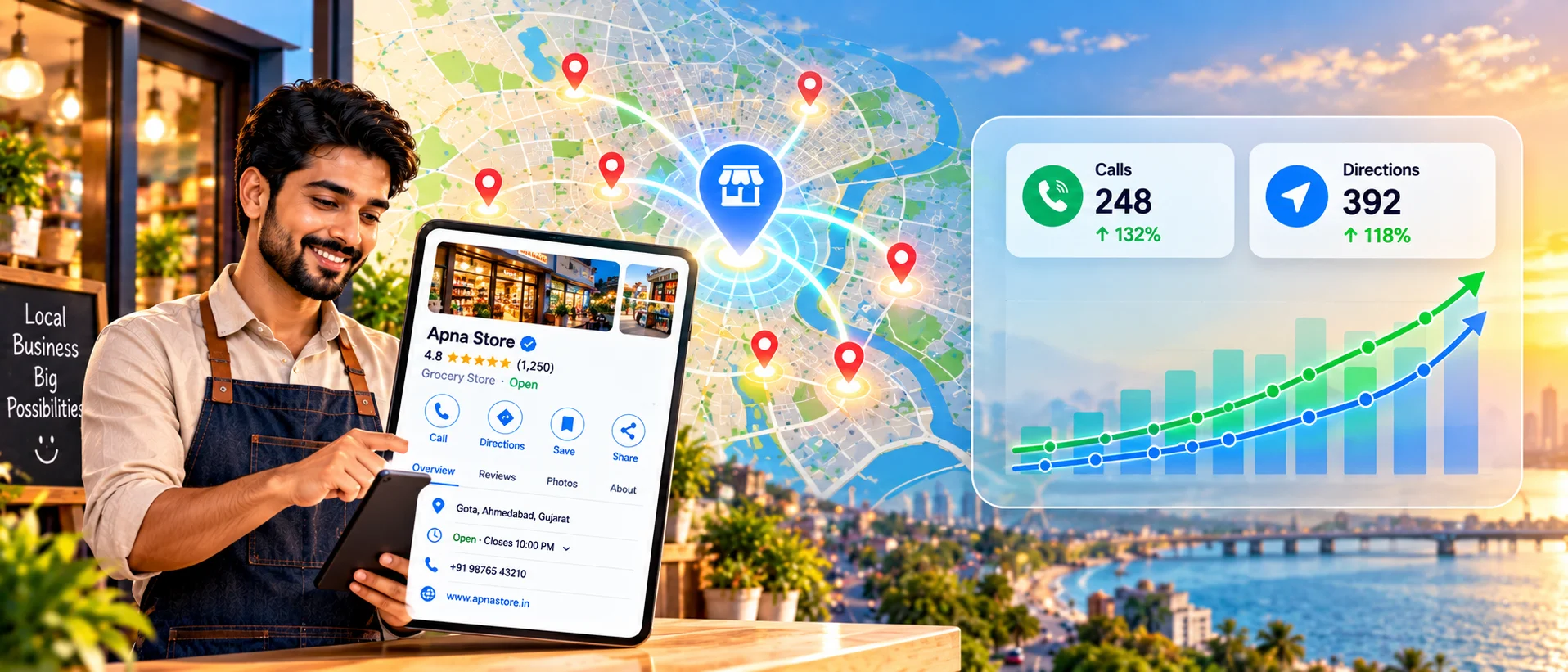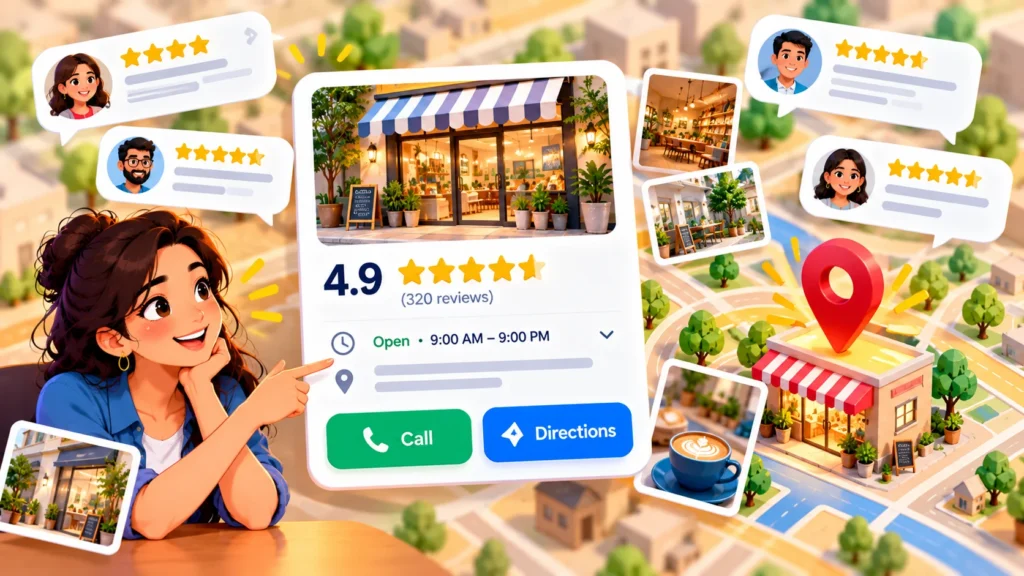
Your Google Business Profile is often the first thing customers see when they search for you. A complete, accurate profile can bring more calls, direction requests and website visits, at no cost. Use this checklist to get yours in shape.
Quick Answer
Claim and verify your profile, choose the right categories, fill in every relevant field, add real photos, keep hours accurate, post updates and collect and answer reviews. Then check your insights regularly.
The Core Checklist
1. Claim and verify
Make sure the profile is yours and verified by Google, and that there is only one profile per location.
2. Business name
Use your real name as customers know it. Do not add extra keywords, which can break Google’s guidelines.
3. Categories
Choose the most accurate primary category, then add secondary ones that truly apply.
4. Services and products
List your services with clear names and short descriptions. Add products if you sell them.
5. Description
Write a clear, honest summary of what you do and who you serve, without promotions or links.
6. Hours, phone and website
Keep them accurate, including holiday hours. Use a local phone number and a page that matches the profile.
7. Attributes
Add attributes that apply, such as accessibility, payment options or online appointments.
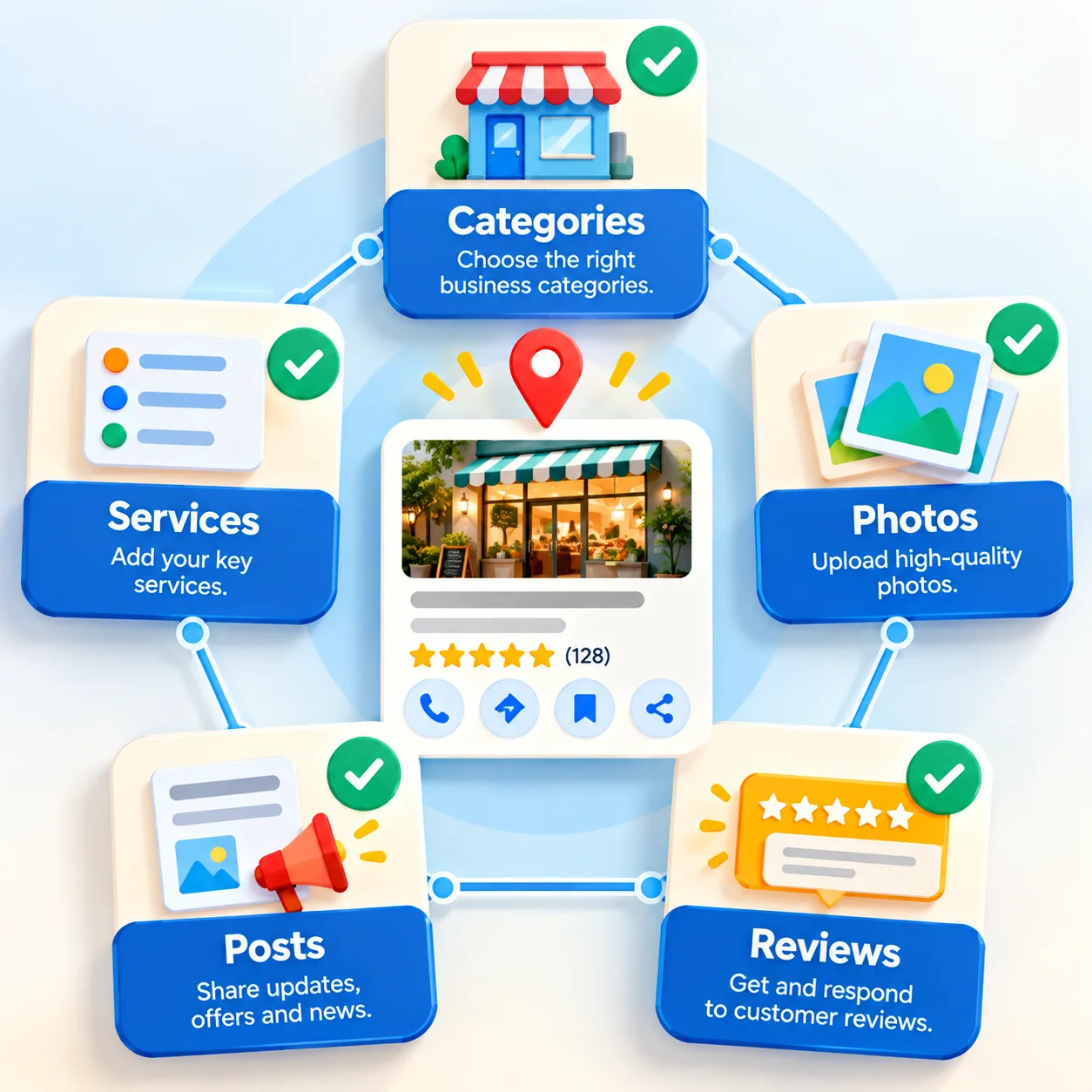
8. Photos and videos
- Add a clear logo and cover image.
- Upload real photos of your team, location, work and products.
- Add new photos regularly.
9. Posts and updates
Share offers, news and events from time to time to keep the profile fresh.
10. Booking and messaging
Turn on the options that suit you, such as booking links, and make sure someone responds quickly.
Reviews: Ask, Reply, Repeat
- Ask customers shortly after a good experience, and share a direct review link.
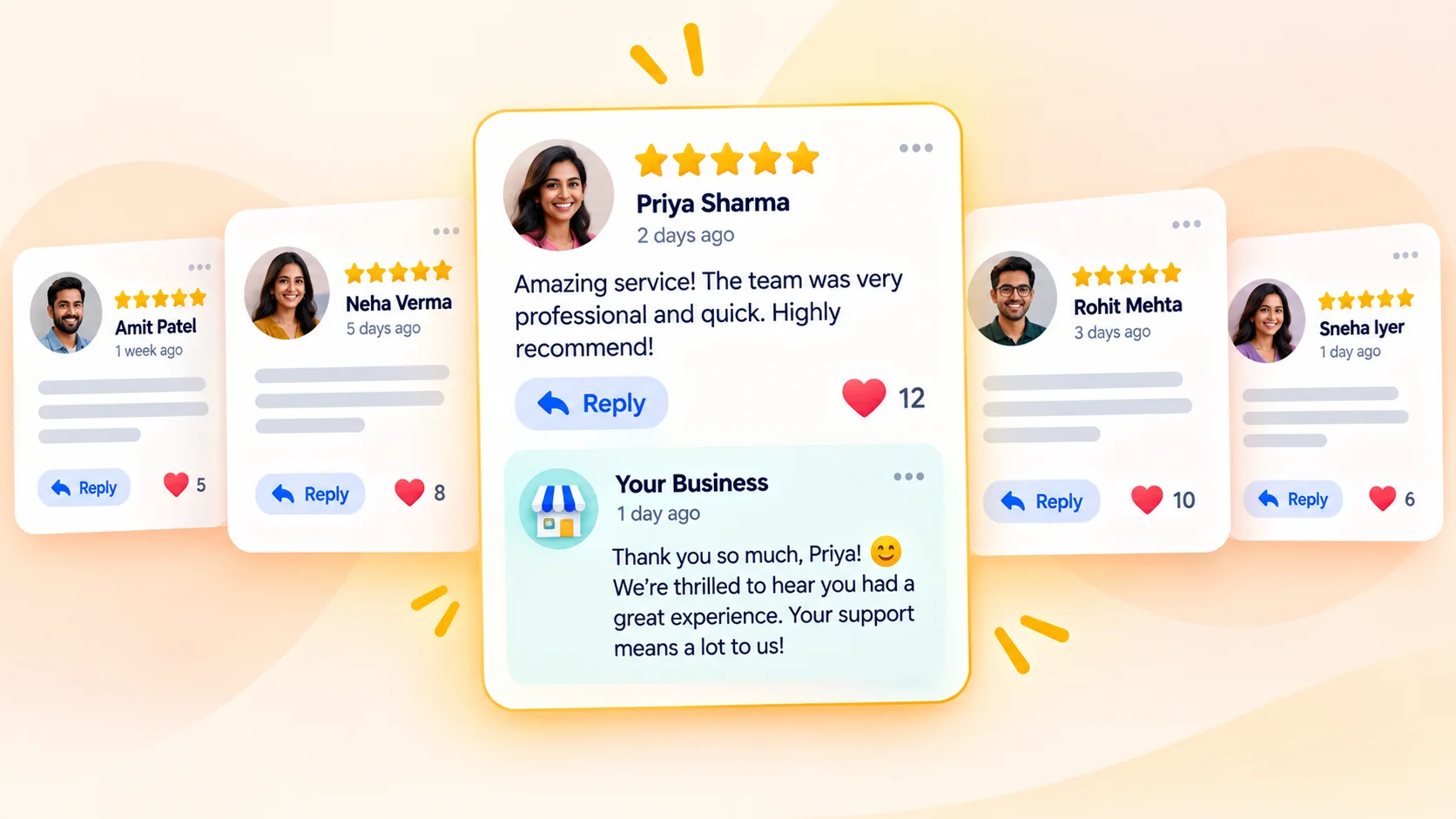
- Reply to every review, thanking positive ones and handling negative ones calmly.
- Do not buy reviews, offer incentives that break the rules or filter who may review.
Measure Results
Check your profile performance for calls, direction requests and website clicks. Track calls from your website too. See call tracking for small business. For the full picture of ranking in the map, read our local SEO checklist.
Common Mistakes
- Keyword stuffing the business name.
- Leaving old hours or an old phone number.
- Using stock photos instead of real ones.
- Ignoring reviews.
- Creating duplicate listings.
When to Get Professional Help
If your profile is suspended, unverified or buried, GlobDigi can help sort it out as part of local SEO. See our local SEO services.
Frequently Asked Questions
Is a Google Business Profile free?
Yes. Creating and managing a profile is free.
How often should I update it?
Check it monthly, and update whenever your hours, services or contact details change.
Can I have a profile without a storefront?
Service-area businesses may be eligible. Check Google’s current guidelines.
Conclusion
A complete, honest, well-maintained profile is one of the best free marketing assets you have. Work through the checklist and revisit it regularly.
Ask GlobDigi for a free local SEO audit.