

You do not need expensive software to see what your competitors are doing. A handful of free tools can show you their ads, offers and the search terms people use. This guide walks through a simple process and how to use what you find.
Quick Answer
Check competitor ads in the Meta Ad Library and Google Ads Transparency Center, search your own keywords to see who appears, and use Google’s own suggestions for ideas. Then look for gaps you can fill.
Free Tools to Use
| Tool | What it shows |
|---|---|
| Meta Ad Library | Active ads from Facebook and Instagram advertisers |
| Google Ads Transparency Center | Ads an advertiser is running on Google |
| Google Search | Who ranks and advertises for your keywords, plus related searches |
| Google Keyword Planner | Keyword ideas and volume ranges (requires a Google Ads account) |
| Competitor websites | Offers, pricing pages, proof and messaging |
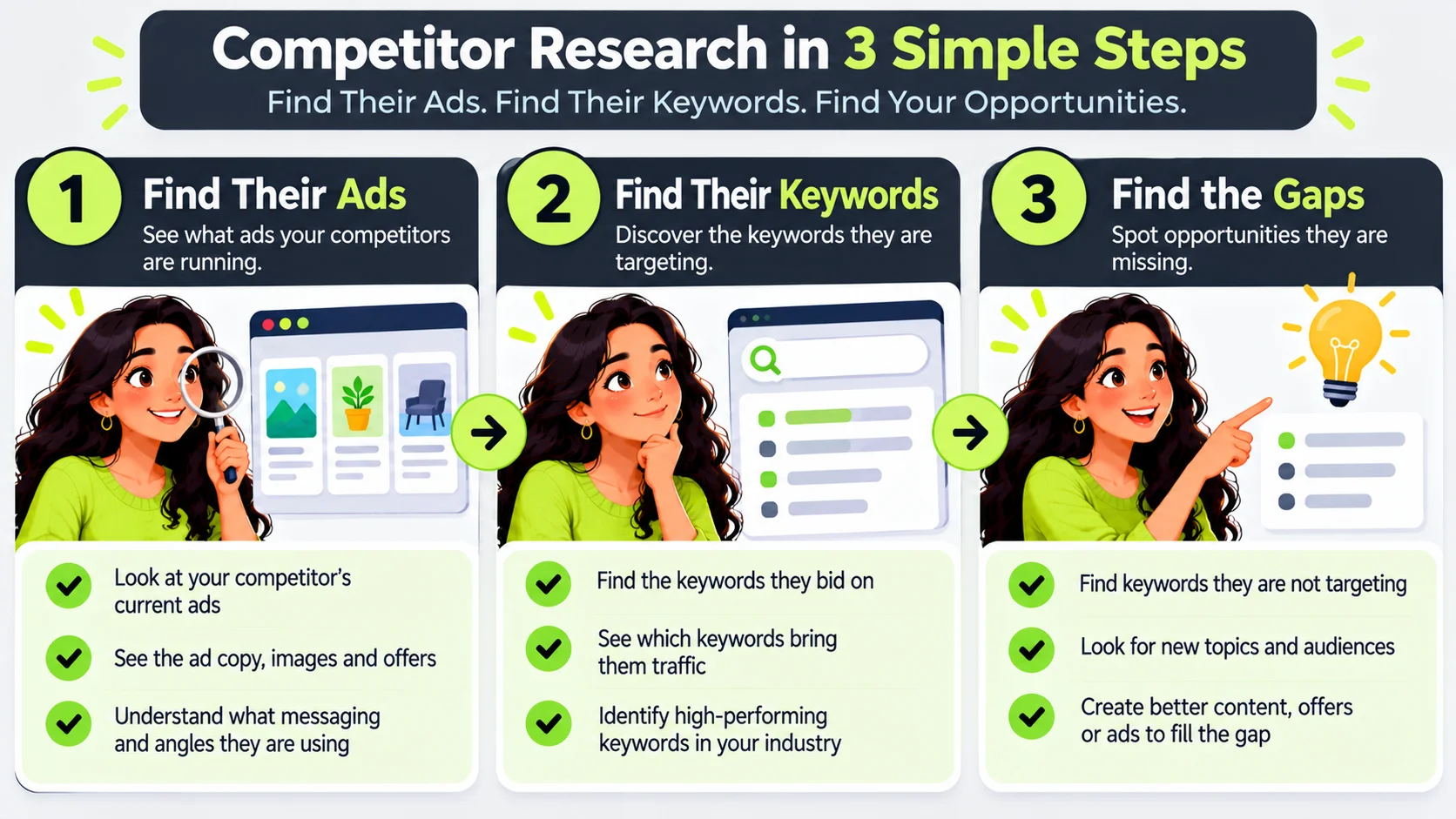
Step 1: Find Competitor Ads
- Search the competitor’s name in the Meta Ad Library to see active ads and how long they have run.
- Look up their domain in the Google Ads Transparency Center for search and display ads.
- Note the offers, headlines, images and landing pages.
Step 2: Find the Keywords
- Search your main services in Google, using a private window and your target location.
- Note who appears in ads and in local results.
- Look at related searches and “People also ask”.
- Use Keyword Planner to explore related terms.
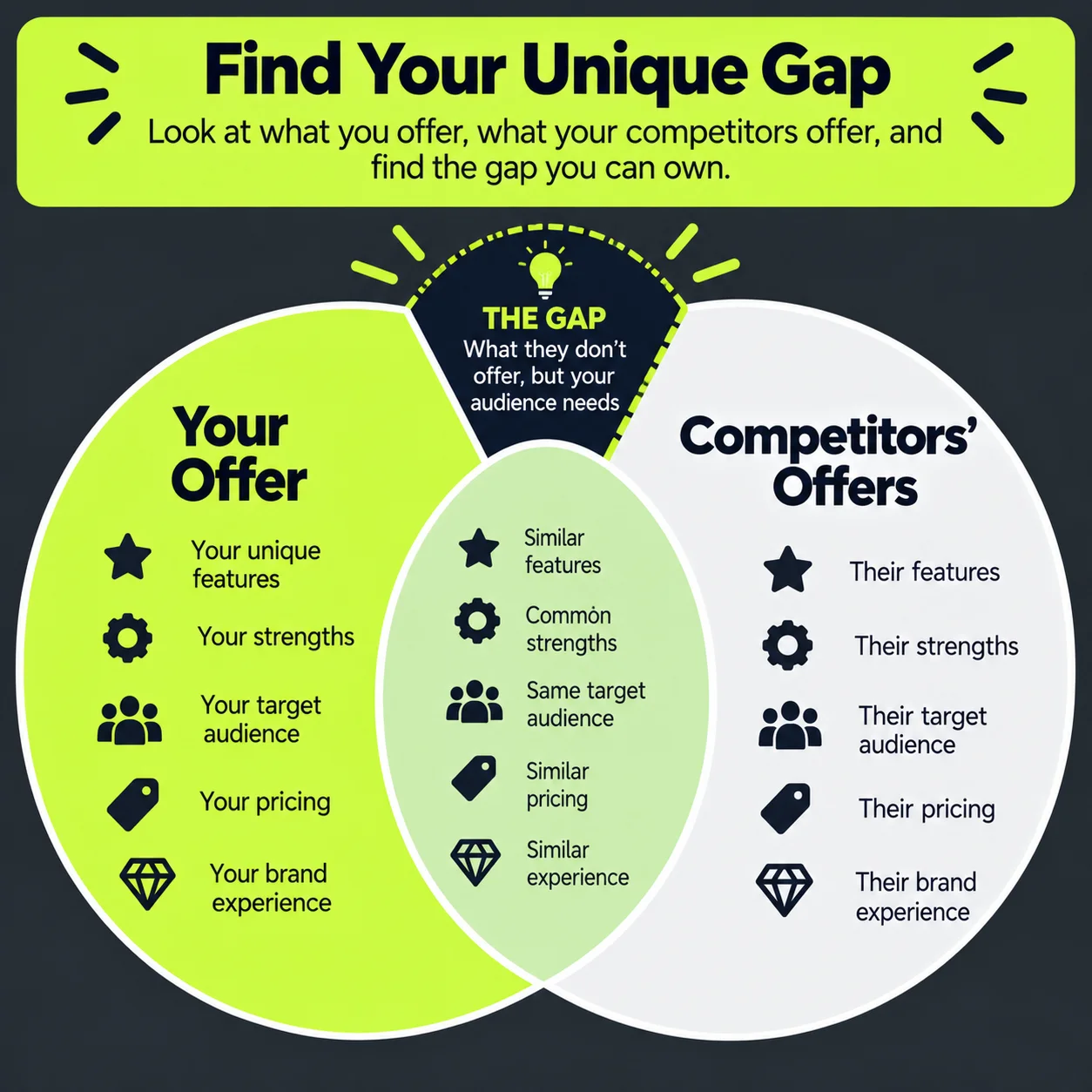
Step 3: Find the Gaps
- Offers nobody is making, such as a guarantee or faster response.
- Questions no one answers on their pages.
- Locations or services that are poorly covered.
- Weak landing pages you can beat.
Turn Findings Into Action
- Test a clearer offer than the one competitors use.
- Write pages that answer questions competitors skip.
- Create ads that highlight your real differences.
- Add negative keywords you spot as irrelevant.
See how this fits with SEO for small business.
Ethics and Limits
- Use public information only.
- Do not copy ads or content word for word.
- Remember that an ad running long does not always mean it is profitable.
Common Mistakes
- Copying competitors instead of finding a different angle.
- Assuming their strategy works for you.
- Researching once and never again.
When to Get Professional Help
For a deeper look at your market, GlobDigi can run a competitor review. See our services.
Frequently Asked Questions
Is it legal to look at competitor ads?
Yes. These tools show public advertising information.
Can I see competitor spend?
Not exactly. Free tools show what ads run, not their budgets or results.
How often should I check?
Every month or quarter is enough for most small businesses.
Conclusion
Free tools reveal a lot. Look for gaps, test your own angle and track what works.
Ask GlobDigi for a free competitor review.
