

“How much does a website cost?” is one of the most common questions business owners ask, and the honest answer is: it depends. A simple five-page site and a custom online store are very different projects. This guide explains what decides the price, so you can compare quotes sensibly and avoid surprises.
Prices vary widely by country, provider and scope. Always verify current pricing directly with each provider before deciding.
What Decides the Cost
1. The type of website
- Brochure or service site: a few pages that explain what you do and how to contact you.
- Lead generation site: service pages, landing pages, forms and tracking built to bring in enquiries.
- Online store: products, payments, shipping, tax and inventory.
- Custom web application: logins, dashboards or special features built from scratch.
2. Design: template or custom
A ready-made template is usually faster and cheaper. A custom design is built around your brand and goals and costs more time. Neither is automatically better; what matters is that the site is clear, fast and easy to use.
3. Features and integrations
Booking tools, payment gateways, CRM connections, multi-language support and member areas all add work. List what you truly need first and what can wait.
4. Content
Someone has to write the text and prepare images. If the provider writes it, that is a cost. If you supply it, you need time and good quality material. Weak content is one of the most common reasons websites underperform.
5. SEO and tracking setup
Page titles, structure, speed and analytics should be built in from the start. See our on-page SEO and SEO services pages.
6. Who builds it
A freelancer, a small agency and a large agency work differently. Compare what is included, not just the headline number.
Costs People Forget

| Item | Why it matters |
|---|---|
| Domain name | Renewed regularly |
| Hosting | Affects speed and reliability |
| Security and backups | Protects against hacks and mistakes |
| Plugins or software licences | Some are paid and renew yearly |
| Maintenance and updates | Keeps the site secure and working |
| Content updates | New pages, offers and fixes over time |
How to Compare Quotes
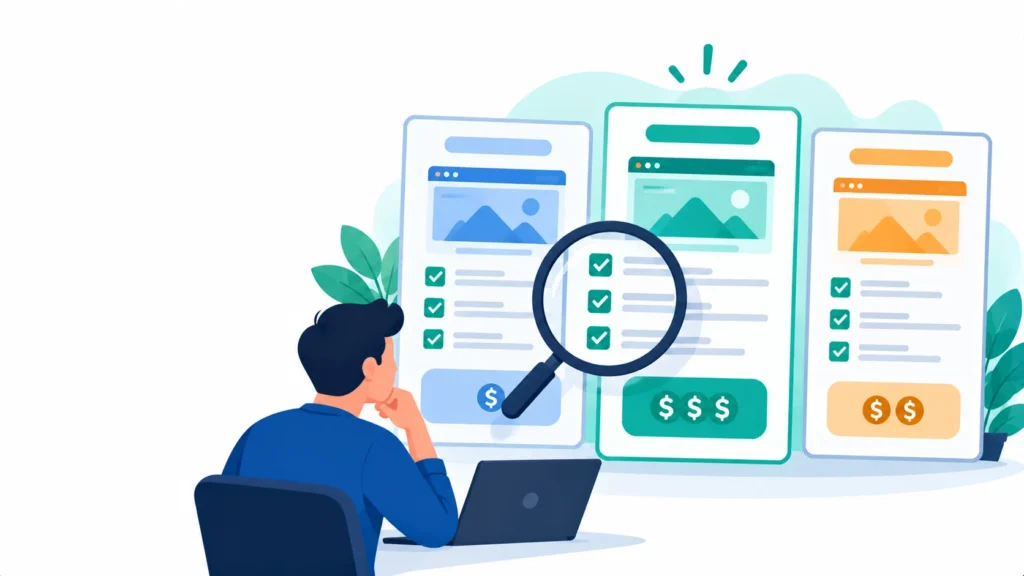
- Ask for a written scope: pages, features, revisions and timeline.
- Check who owns the website, domain and content after launch.
- Ask what is included after launch, such as support and updates.
- Ask how mobile speed and SEO basics are handled.
- Be careful with quotes far lower or higher than the others without a clear reason.
Where to Save Money Safely
- Start with the pages that bring enquiries and add the rest later.
- Prepare your own content and photos.
- Use a proven platform instead of custom code when it meets your needs.
Where Not to Cut Corners
- Mobile performance and speed
- Clear calls to action and contact options
- Security, backups and ownership of your accounts
Frequently Asked Questions
Can a website cost almost nothing?
Website builders can be inexpensive to start, but you still pay with time, and limits on design, speed and SEO may apply.
Should I pay monthly or one time?
Both models exist. Compare the total cost over a few years, including hosting and support.
How long does a website take?
Simple sites can take a few weeks. Larger projects take longer, mostly because of content and feedback delays.
The Bottom Line
The cost of a website follows its scope. Decide what the site must do, ask for a clear written quote and plan for ongoing care.
Planning a new site? See our WordPress development services or ask for a free website quote.
Disclaimer: This article is for general information only and is not legal, medical or compliance advice. Prices, features, policies, laws and results can change or may not apply to your situation, and we do not guarantee accuracy, outcomes or future performance. Please verify important details, including pricing, regulations and commitments, with the official source or website, or a qualified professional, before acting on them.