

A chatbot on your website can answer visitors when your team is busy or asleep. But a bad chatbot annoys people and costs money. This guide explains what an AI chatbot can do for your business, what makes the cost go up or down and how to avoid common mistakes.
Quick Answer: What Does a Website Chatbot Do?
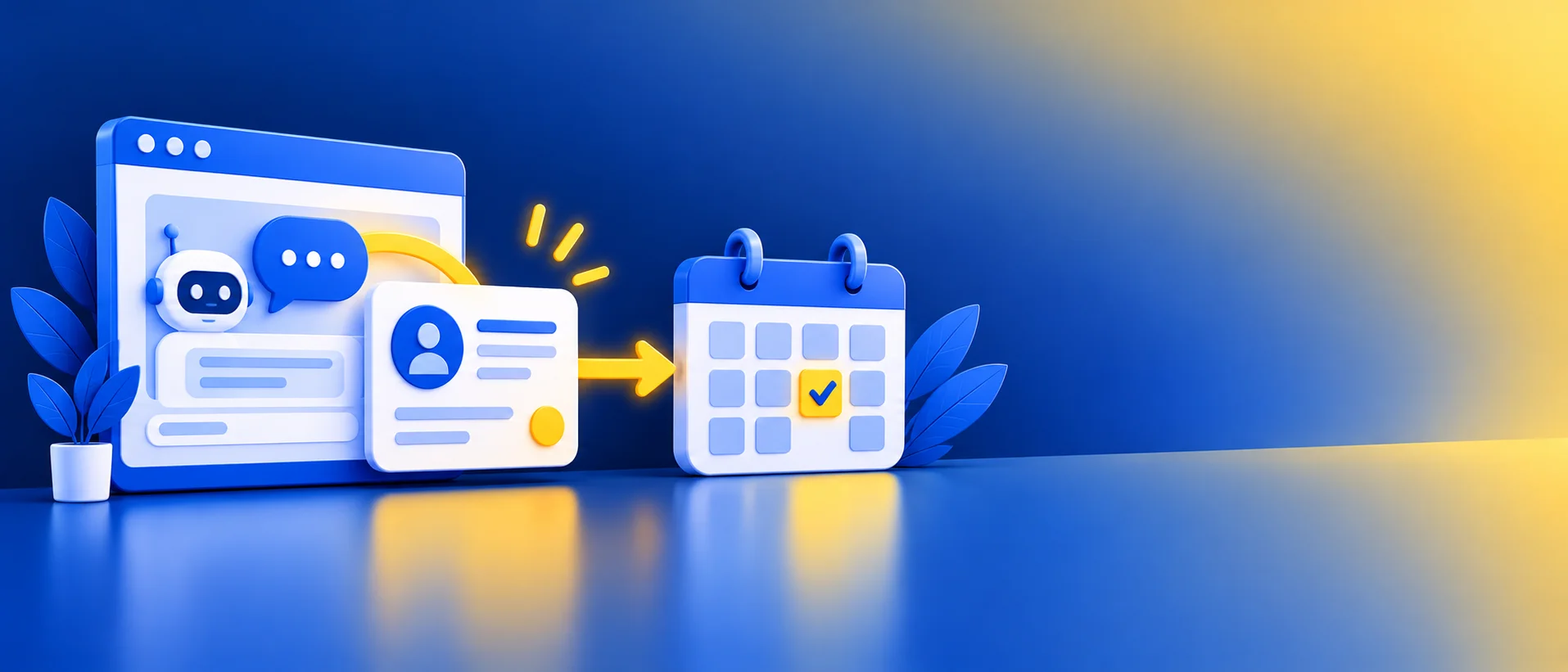
It answers common questions, collects contact details, suggests bookings and passes complex chats to your team. Modern AI chatbots can understand ordinary language, which makes them more flexible than old button-based bots.
Good Use Cases
- Answering questions about hours, location, services and process.
- Collecting name, phone number and need from new visitors.
- Booking appointments or sending a booking link.
- Giving order or delivery updates, if connected to your system.
- Sending hot enquiries to your team right away.
What Drives the Cost
We do not quote prices here because they change often and depend on your setup. These are the things that decide what you pay:
- The tool or platform fee, often monthly or based on the number of chats or messages.
- The AI model usage behind it.
- Setup: writing answers, connecting your calendar, CRM or WhatsApp.
- Your team’s time to review chats and improve answers.
- Any extra tools it needs to connect with.
Ask each vendor for a written quote that includes limits, extra charges and what happens if you go over, and confirm current pricing on the vendor’s official website. Then use our AI automation ROI guide to check if it is worth it.
Make It Answer From Your Own Information
A chatbot that guesses is risky. The safer way is to feed it your approved FAQs and documents so it answers from those. See how to build a chatbot from your own documents.
Tell Visitors It Is a Bot
Say clearly that visitors are chatting with an AI assistant, and give them a way to reach a person. In the EU, Article 50(1) of the AI Act requires chatbots to inform people they are interacting with AI, from 2 August 2026.
Mistakes to Avoid
- No way to reach a person.
- Letting the bot guess prices or policies.
- Collecting more personal data than you need.
- Launching and never reading the chats.
- A pop-up that blocks the page or appears too early.
A Simple Way to Start
- List your 20 most common questions.
- Write short, approved answers.
- Choose a tool and test it with your team.
- Launch on a few key pages and read chats weekly.
When to Get Professional Help
If you want the chatbot connected to bookings, your CRM and WhatsApp, GlobDigi can plan and test it with you. See our services.
Frequently Asked Questions
Will a chatbot increase my enquiries?
It can help capture visitors who would leave, but results depend on your site, offer and answers. Test it.
Can a chatbot replace my team?
No. It handles the simple, repeat questions so your team can focus on the rest.
Is it safe for customer data?
Only if the vendor’s data terms and settings fit your needs. Check before launch.
Conclusion
A good chatbot answers simple questions fast, captures enquiries and hands over to humans smoothly. Start small, read the chats and improve over time.
Want a chatbot plan for your site? Contact GlobDigi for a free automation audit.
Sources: EU AI Act Article 50 guide. Checked October 2026; rules and prices change. This is general guidance, not legal advice.
Related Reading
- Build an AI Chatbot From Your Own Documents
- AI Customer Support for Small Business
- Why Your Website Gets Traffic but No Enquiries
Disclaimer: This article is for general information only. Prices, features, policies, laws and results can change or may not apply to your situation, and we do not guarantee accuracy, outcomes or future performance. Please verify important details, including pricing and commitments, with the official source or website, or a qualified professional, before acting on them.