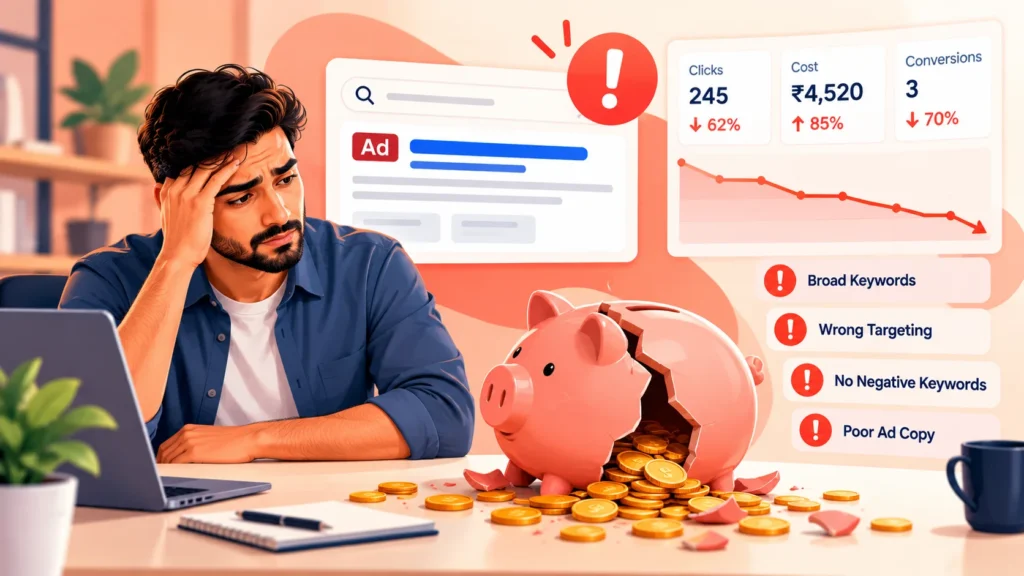
Google Ads can bring in ready-to-buy customers, but a few common setup mistakes can quietly drain a small budget. The good news is that most of them are easy to spot and fix. Here are ten we see often, with a practical fix for each.
Quick Answer
The costliest Google Ads mistakes are usually no conversion tracking, loose keyword matching with no negative keywords, sending traffic to the homepage, and ignoring the search terms report. Fixing those four first often improves results fastest.
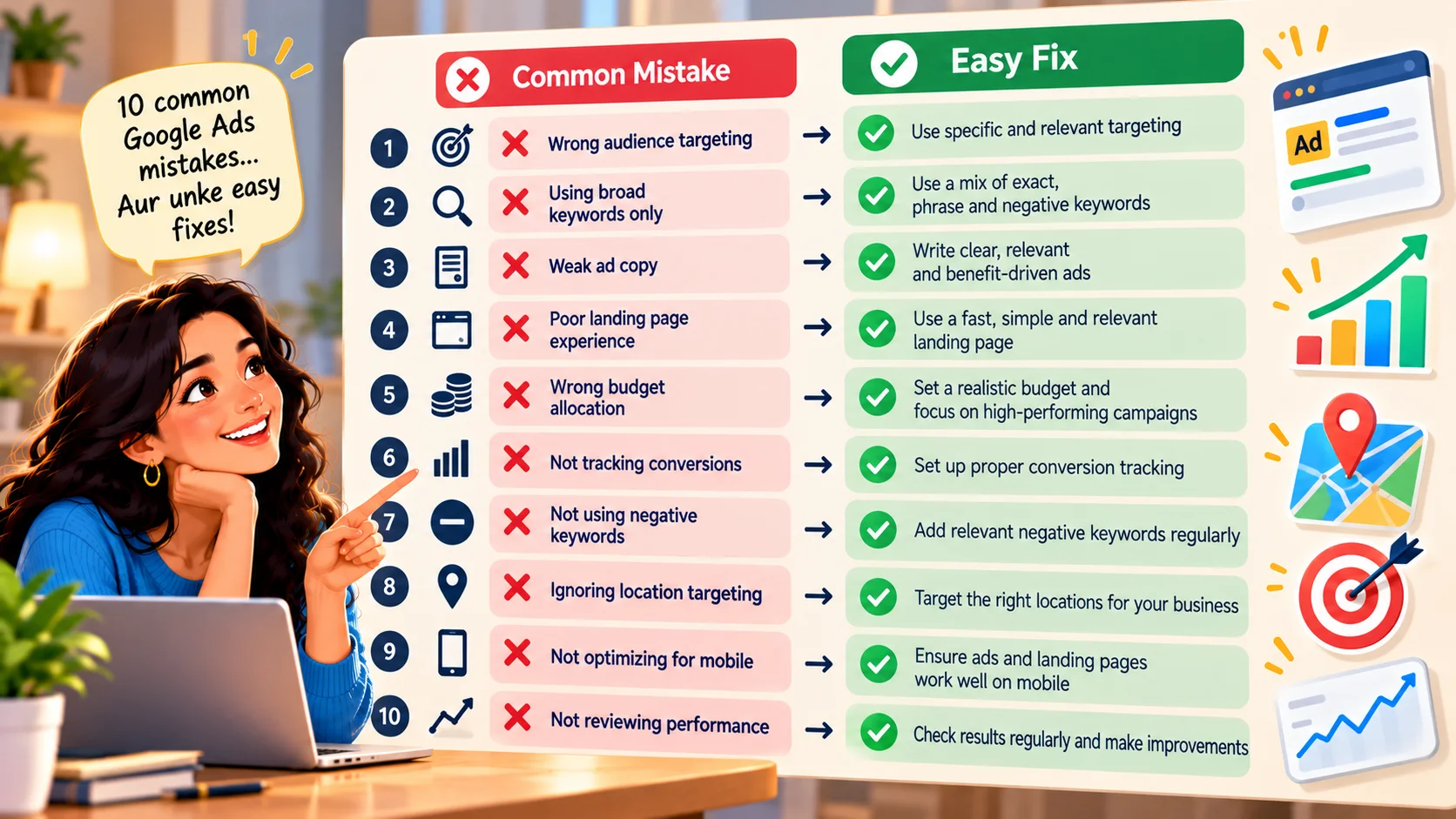
The 10 Mistakes
1. No conversion tracking
If you cannot see which clicks became calls or forms, you cannot improve. Fix: track form submissions, calls and key button clicks before you spend heavily. See our guide on Google Ads management for how we set this up.
2. Broad keywords with no negatives
Broad targeting can match searches you never intended. Fix: start with tighter match types and add negative keywords from the search terms report.
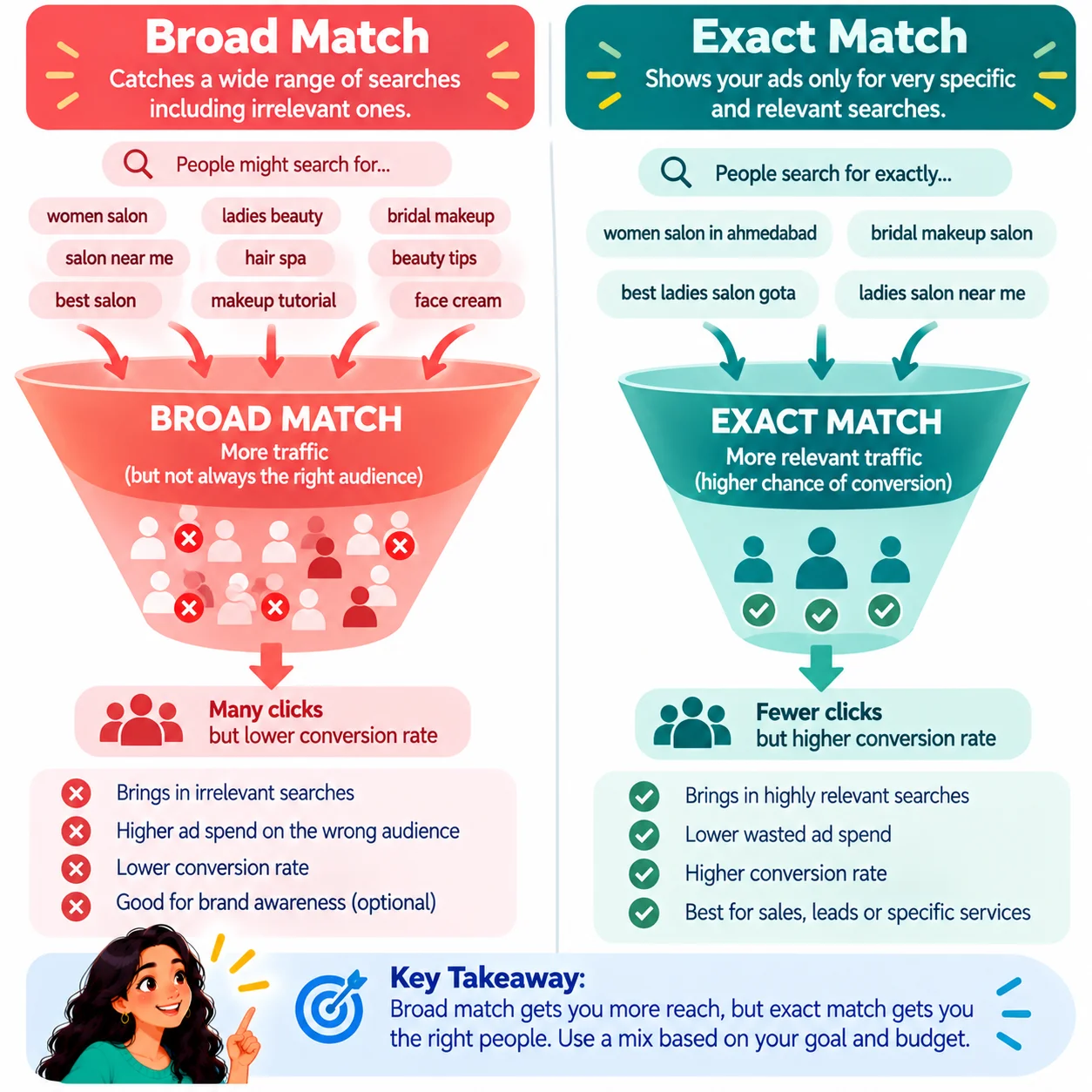
3. Ignoring the search terms report
This report shows the real searches that triggered your ads. Fix: review it weekly and block irrelevant terms.
4. Sending everyone to the homepage
A homepage tries to speak to everyone. Fix: send each ad group to a page about that exact service, with one clear call to action.
5. Weak ad copy
Generic ads blend in. Fix: lead with a benefit, include proof and a clear offer, and test two or three versions.
6. Setting a budget too low to learn
A tiny budget spread across many campaigns gives too little data. Fix: focus on one or two campaigns first.
7. Targeting the wrong locations
Ads may show outside your service area. Fix: set location targeting to people in or searching for your area, and check the location report.
8. Not checking mobile experience
Many clicks come from phones. Fix: make sure the page loads fast and the call or form button is easy to tap.
9. Changing too much, too often
Constant edits reset learning. Fix: make planned changes and give them time to show results.
10. Judging by clicks instead of leads
Clicks are not customers. Fix: measure cost per lead and lead quality, not only click-through rate.
A Quick Self-Check
- Are calls and forms tracked as conversions?
- Do you have a negative keyword list?
- Do ads go to a relevant page?
- Do you review search terms every week?
- Do you know your cost per lead?
When to Get Professional Help
If budget is being spent but leads are weak, an audit can show where the waste is. GlobDigi offers a review of your account and tracking. See our Google Ads services.
Frequently Asked Questions
How long before Google Ads work?
Ads can start getting clicks right away, but it often takes a few weeks of data and adjustments to see stable results.
Is it better to run ads myself or hire help?
You can start yourself, but mistakes are costly. An expert review early on can save money.
What is a good first fix?
Set up conversion tracking, then review the search terms report.
Conclusion
Most wasted Google Ads spend comes from a handful of fixable habits. Track conversions, tighten targeting, match pages to ads and measure leads.
Want a second opinion? Contact GlobDigi for a free Google Ads audit.